Operating your individual AI agent used to imply a GPU rig and a weekend of Python. Now it suits on a VPS that prices lower than dinner.
ChatGPT Professional is $200 a month, however a self-hosted OpenClaw setup that connects to WhatsApp, Telegram, Discord, and a dozen different apps runs about $15 — VPS and API tokens included.
What Is OpenClaw and Why Self-Host It?
OpenClaw, an open-source AI agent gateway, is the fastest-growing open-source challenge in historical past, and you may run it on a $5/month VPS.
In below 60 days, OpenClaw handed React’s star depend and have become the most-starred non-aggregator software program challenge on GitHub, crossing 250,000 stars in early March.
As of April 2026, it’s at 346,000+ stars with 500,000+ working situations throughout 82 international locations, per OpenClaw’s April 2026 group report.
Right here’s what it truly is:
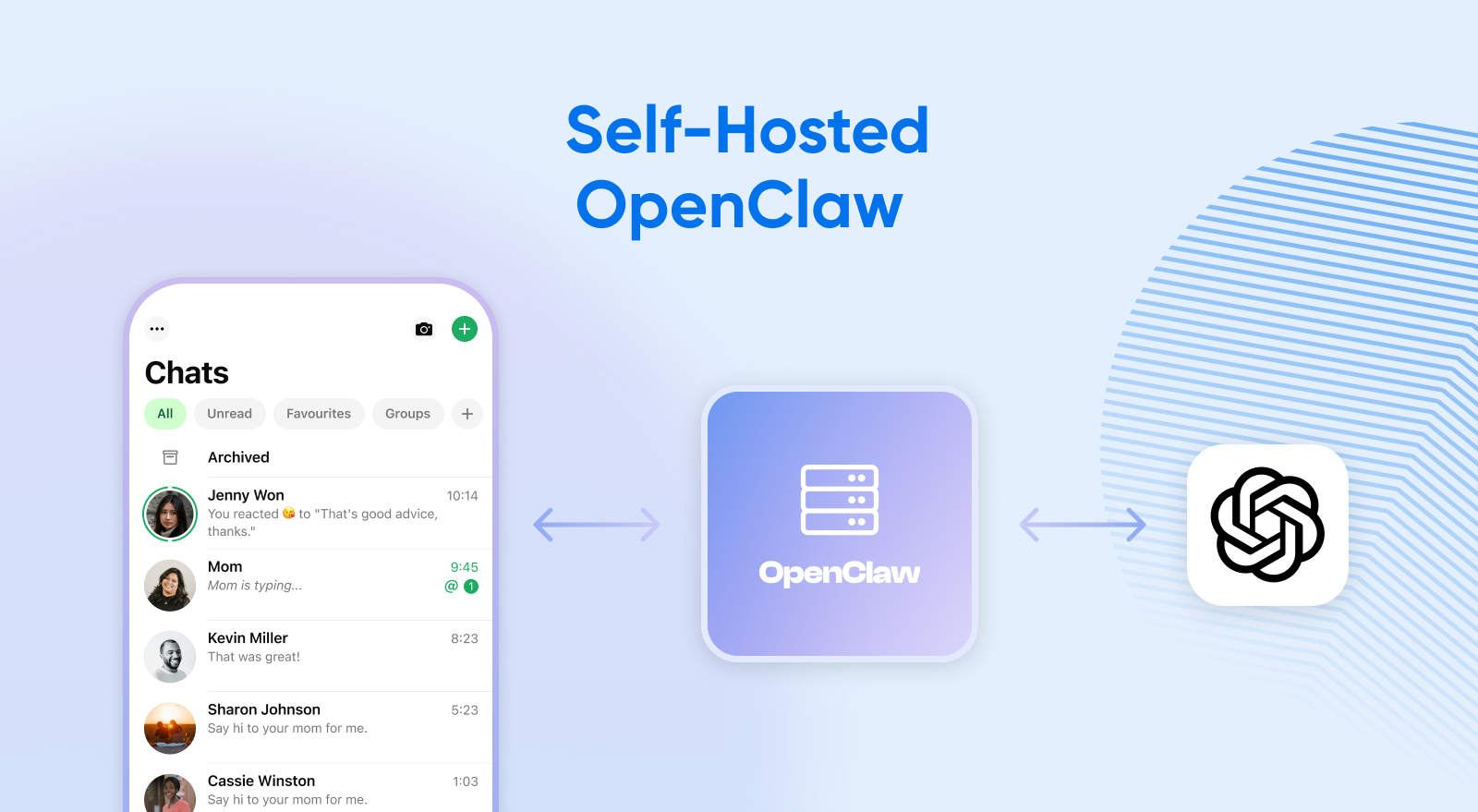
OpenClaw is a self-hosted AI agent, a light-weight Node.js software that sits between your messaging apps and AI mannequin APIs. You ship a message on WhatsApp, OpenClaw routes it to GPT-4o or Claude, and the response comes again in your chat.
In contrast to a chatbot you open in a browser tab, OpenClaw runs 24/7 in your server. It might probably act proactively, execute duties on a schedule, and hook up with any messaging platform concurrently.
Why not ChatGPT? ChatGPT Professional prices $200/month for a browser-based chatbot that responds whenever you ask.
A self-hosted OpenClaw setup prices $5-$15/month in API tokens plus VPS internet hosting, and offers you an always-on agent throughout each messaging app you employ.
ChatGPT Professional consists of options OpenClaw doesn’t replicate (Deep Analysis, Sora), however no cloud subscription presents a 24/7 multi-channel agent at any worth. Most energy customers run each.
Why Self-Host OpenClaw?
Three causes to self-host: value, privateness, and management.
As Peter Steinberger, OpenClaw’s creator (now at OpenAI), put it: “The group round OpenClaw is one thing magical… It should keep a spot for thinkers, hackers and those that desire a method to personal their knowledge.”
Self-hosting OpenClaw means you’re working the software program on a server you management as an alternative of renting entry from a SaaS supplier.
Your conversations stick with you, you choose the AI fashions, and also you don’t pay per-seat for performance you may personal.
What Do You Want To Run OpenClaw on a VPS?
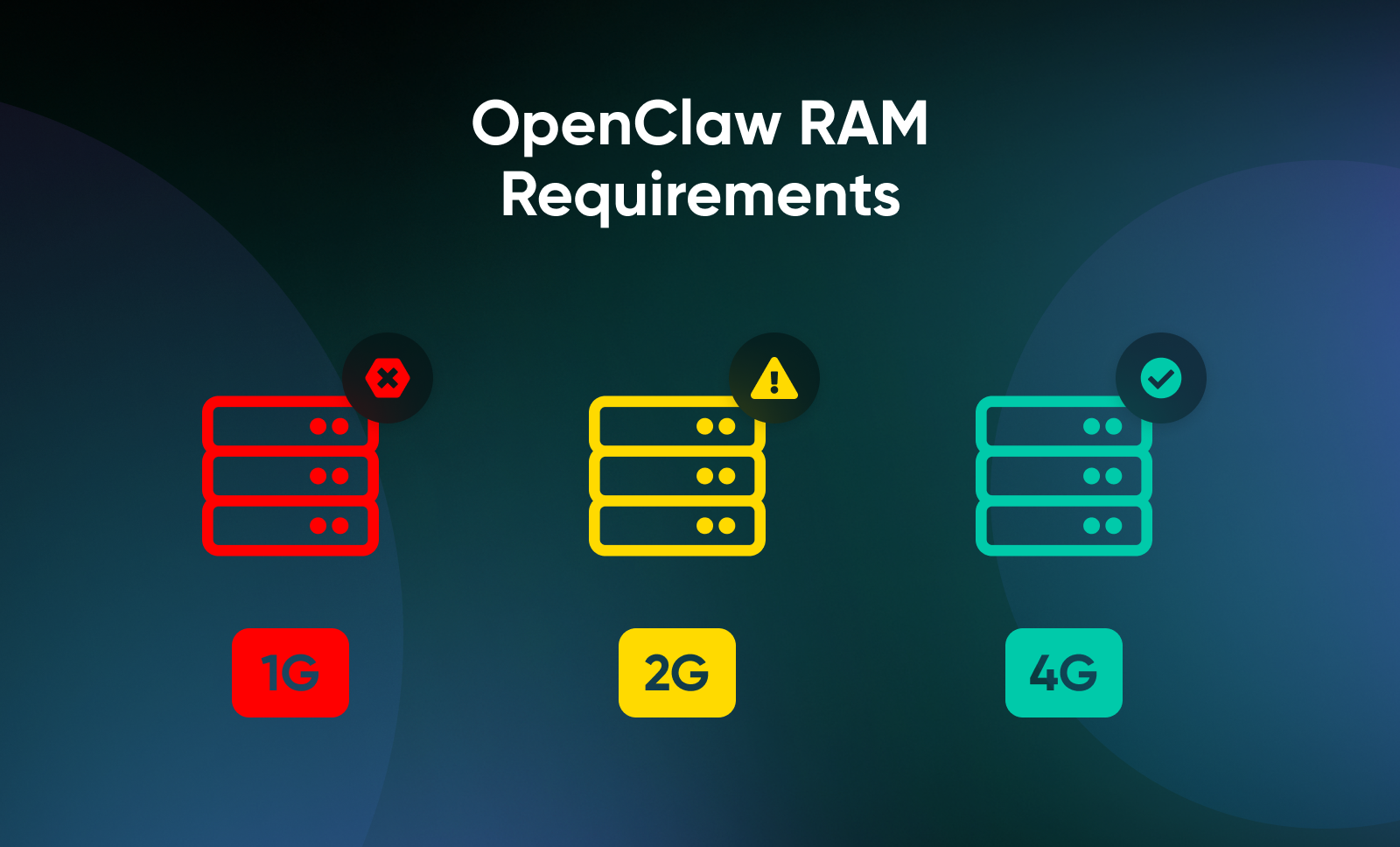
A 4GB RAM VPS with no GPU is the usual deployment — the spec the opposite 500,000 installs are working on. At DreamHost, we advocate 4GB RAM because the baseline. We’ve seen 2GB installs succeed throughout setup however battle below actual each day use, particularly when a number of messaging channels are energetic concurrently. The official minimal is 2 CPU cores, 2GB RAM, and 2GB storage, however 1GB machines persistently fail throughout set up with out-of-memory errors
OpenClaw doesn’t run AI fashions regionally. It’s a light-weight Node.js runtime that sends requests to cloud APIs like OpenAI, Anthropic, or Google.
The one customers who want critical {hardware} are working native fashions by Ollama, a completely separate setup.
OpenClaw requires Node.js 22.14 at minimal, with Node.js 24 beneficial. Many VPS photographs nonetheless ship with Node 18 or 20, so that you’ll doubtless must improve. The scripted installer handles this mechanically. Guide installs want specific model administration by way of nvm (Node Model Supervisor) or nodesource.
In the event you’re on shared internet hosting, you’ll want a Self-Managed VPS as a result of OpenClaw requires root entry and devoted sources. In order for you a deeper breakdown, right here’s how shared vs. Self-Managed VPS internet hosting compares.
💡Professional tip: If that is your first Self-Managed VPS, DreamHost’s VPS newbie’s information walks by provisioning, SSH entry, and fundamental server administration.
Which VPS Plan Ought to You Select for OpenClaw?
A 4GB RAM VPS handles most private OpenClaw deployments working cloud AI APIs on a single channel.
Step as much as 8GB for browser automation or multi-channel use, and 16GB+ in the event you plan to run native fashions by way of Ollama.
DreamHost’s Self-Managed VPS Stack 4 is the beneficial place to begin.
OpenClaw is a RAM-hungry software. Browser automation spawns Chromium situations that eat 2-4GB every. Multi-channel operation retains a number of connection handlers in reminiscence.
And in the event you run native fashions by way of Ollama as an alternative of cloud APIs, mannequin inference alone wants 16GB+.
Root entry isn’t non-compulsory for OpenClaw. In case your VPS supplier doesn’t provide it, your agent can’t set up Docker, handle integrations, or run browser automation. Shared internet hosting is a non-starter.
Saul Dolgin, a senior engineer at Microsoft Azure, revealed an in depth breakdown of OpenClaw {hardware} necessities for various deployment eventualities. He discovered that for a pure headless gateway with simply SSH entry, you may get away with 1 vCPU and 512MB RAM (however he recommends no less than 1 GB).
Necessities tick up when you begin including sandboxing, channels, and browsers.
Right here’s how completely different use circumstances map to VPS specs, based mostly on his minimums and suggestions:
| Use Case | vCPU | RAM | Storage | Estimated Price |
| Private agent (cloud API solely) | 2 | 2GB | 10GB SSD | ~$5-$10/month {hardware} |
| Multi-channel + browser automation | 2-4 | 4GB | 20GB NVMe | ~$15-$25/month {hardware} |
| Native fashions by way of Ollama | 4+ | 16GB+ | 50GB+ NVMe | ~$25-$35/month {hardware} |
| Staff/multi-user deployment | 4+ | 8GB+ | 40GB+ NVMe | Varies by person depend |
DreamHost’s Self-Managed VPS is constructed for precisely this sort of workload. NVMe storage, full root entry, devoted IPs, and unmetered bandwidth. The VPS Skilled (4GB) plan is the precise place to begin for many private deployments, with the choice to scale as much as Stack 8 or Stack 16 as your use case grows.
Docker deployments add roughly 200MB-300MB of RAM overhead. This issues on a 2GB machine.
How A lot Does It Price To Run Self-Hosted OpenClaw?
You’re about $11-$35 per 30 days to run OpenClaw for private use, however you may spend nearer to $100/month in the event you’re on the lookout for heavier use or extra superior use circumstances.
Based on HaiMaker’s pricing breakdown, API token prices for gentle private use (20-50 messages per day with GPT-4o-mini) run about $1-$5/month.
Average use with a mixture of fashions lands round $5-$15/month. And heavy automation with GPT-4o as the first mannequin can push prices to $30-$100/month, at which level the associated fee benefit over ChatGPT’s new $100/month mid-tier Professional possibility (launched April 9, 2026) begins to slim.
In the event you’re sending 200+ messages a day, the mathematics modifications — skip to the heavy-use row.
For many private setups, routing GPT-4o-mini because the default with GPT-4o because the escalation mannequin retains month-to-month API prices below $10.
| Setup | VPS | API Tokens | Complete |
| Price-optimized (GPT-4o-mini solely) | $10-$15/month | $1-$5/month | $11-$20/month |
| Balanced (blended fashions, routing) | $15-$25/month | $5-$15/month | $20-$40/month |
| Heavy automation (GPT-4o major) | $15-$25/month | $50-$150/month | $65-$175/month |
Entrepreneur and CTO Lance Cleveland revealed a detailed value evaluation of his OpenClaw occasion. He discovered that pricing labored out to round $0.00063 per 1,000 tokens or about $0.047 per interplay utilizing GPT 5.4.
You possibly can scale back prices by utilizing older and cheaper fashions (e.g., GPT-4o-mini) for the routine stuff and save the costly fashions for whenever you want reasoning energy.
OpenClaw sends heartbeat checks each Half-hour utilizing your major mannequin. In case your major mannequin is GPT-4o, these keep-alive pings add up for zero profit.
Configure a less expensive heartbeat mannequin or use sensible routing to keep away from paying premium charges for what quantities to an “are you continue to there?” ping.
Based on VelvetShark’s calculations, sensible mannequin routing cuts API prices by 50%-80%.
The internet hosting value is one issue to contemplate as effectively. A 4GB RAM VPS like these obtainable by DreamHost Self-Managed VPS internet hosting usually runs $10-$25/month, the candy spot for private OpenClaw deployments.
When NOT to Self-Host OpenClaw
Self-hosting isn’t the precise name for everybody.
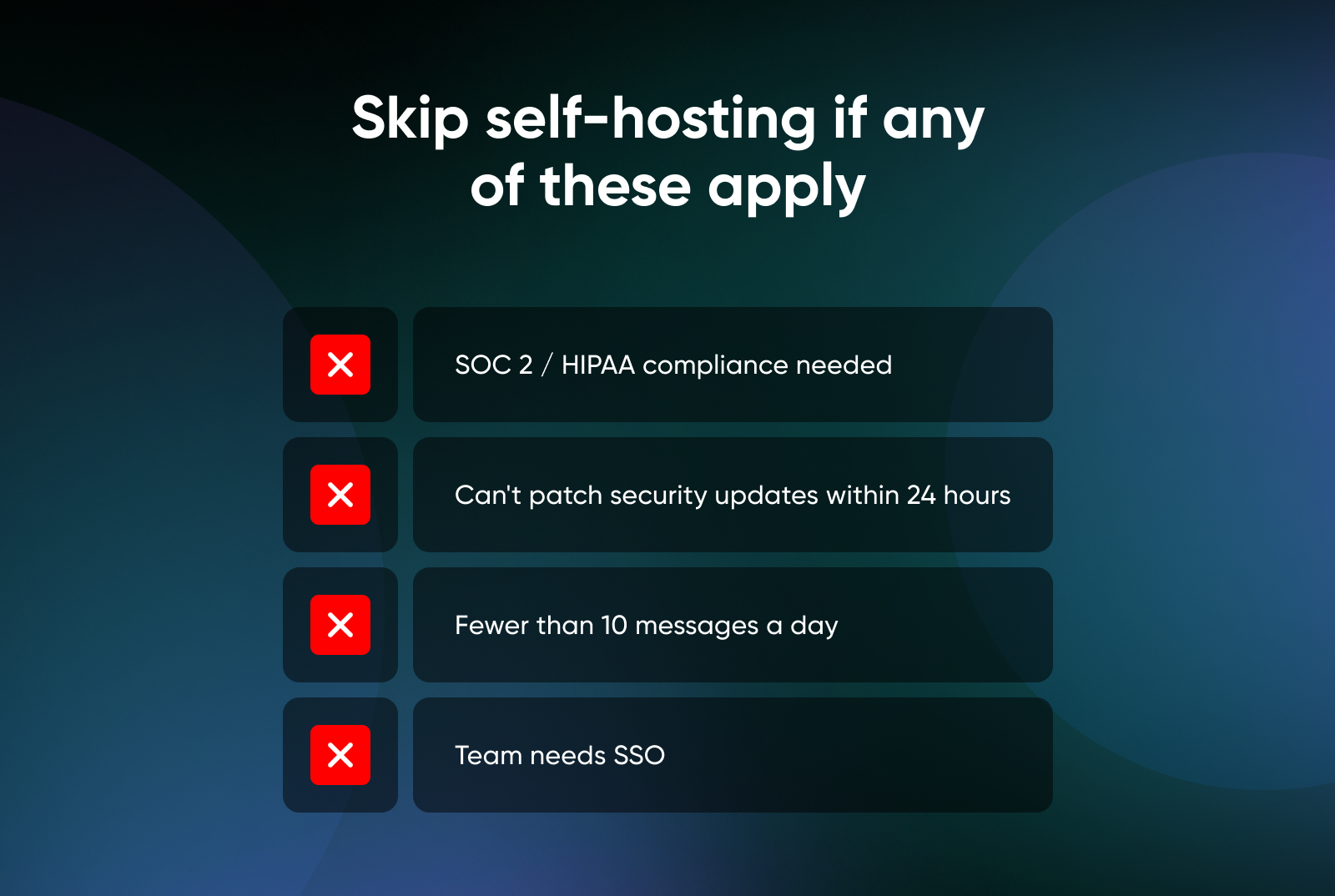
Skip OpenClaw in the event you want SOC 2 or HIPAA compliance (self-hosted makes audits your drawback), you’re not comfy patching CVEs inside 24 hours, you ship fewer than 10 messages a day (ChatGPT free tier wins on economics), otherwise you want SSO for a crew deployment (not in OpenClaw but).
How Do You Set up OpenClaw on a Linux VPS?
Two strategies, each below Half-hour. The scripted installer is quickest, whereas Docker Compose is extra standard, with 65% of all OpenClaw deployments utilizing it, as a result of it isolates dependencies and makes updates useless easy.
Technique 1: Scripted Installer (Quickest)
SSH into your VPS and run:
curl -fsSL https://openclaw.ai/set up.sh | bash
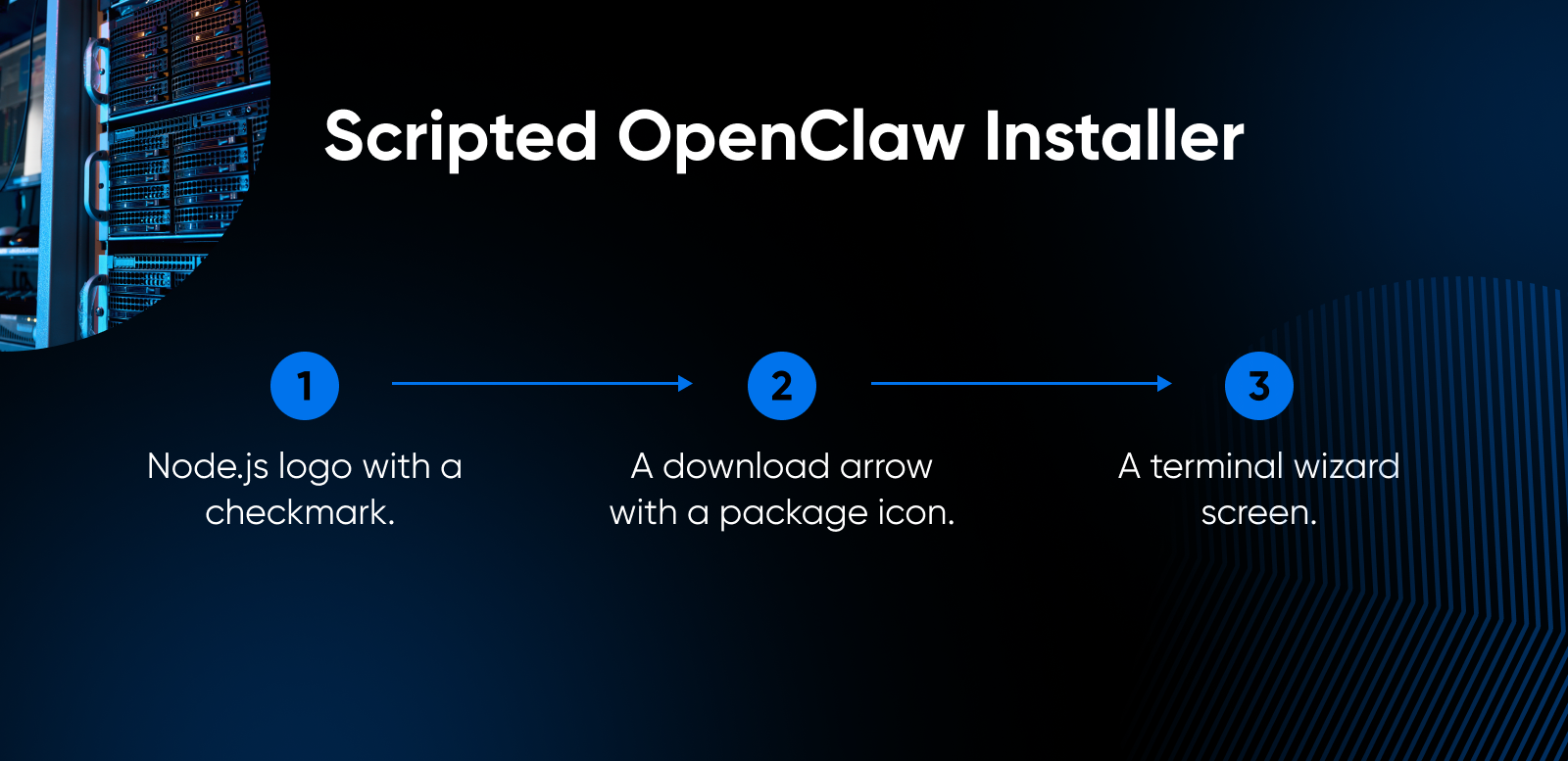
- The script checks for Node.js 24 and installs it if lacking, downloads the newest launch, and launches the onboarding wizard.
- The wizard walks you thru choosing a mannequin supplier (Anthropic, OpenAI, Google, and others), setting your API key, and configuring the gateway.
- The script additionally registers OpenClaw as a background service on Linux (systemd), so the agent survives reboots. In the event you desire the guide path, run
npm set up -g openclaw@newestadopted byopenclaw onboard --install-daemon— that flag is what does the service registration.
👀 One gotcha to look out for: The installer launches a terminal person interface (TUI), a graphical menu inside your terminal, that may freeze on headless VPS environments with no correct TTY.
In case your set up stalls at a clean display, fall again to the guide methodology:
npm set up -g openclaw@newest
openclaw physician --non-interactive
This skips the TUI totally. You’ll configure your gateway token and API keys by the config recordsdata in ‘~/.openclaw’ as an alternative of the wizard.
Two different widespread snags: if port 18789 is already in use, run lsof -i :18789 to seek out what has it, then kill that course of or remap OpenClaw’s port in your docker-compose.yml. If WhatsApp pairing drops after a VPS reboot, rerun the login command (credentials in ~/.openclaw/credentials/whatsapp/ can rotate if the method doesn’t shut down cleanly.)
Technique 2: Docker Compose (Most Remoted)
The second method you’ll be able to set up OpenClaw in your VPS is by utilizing Docker.
💡Professional tip: In the event you’re new to containers, DreamHost’s explainer on Docker covers the fundamentals.
Docker packages an software like OpenClaw right into a standardized unit, known as a “container.” The container runs in an remoted setting in your server, guaranteeing constant efficiency and making updates simple.
Right here’s easy methods to get it up and working:
- Clone the OpenClaw repository and run the setup script:
git clone https://github.com/openclaw/openclaw.gitcd openclaw && ./docker-setup.sh
- The setup script builds the Docker picture, runs the onboarding wizard, generates your gateway token, and begins the OpenClaw gateway.
- Your occasion runs inside a container with its personal remoted filesystem and community namespace — an remoted setting the place processes can’t intrude with anything in your server.
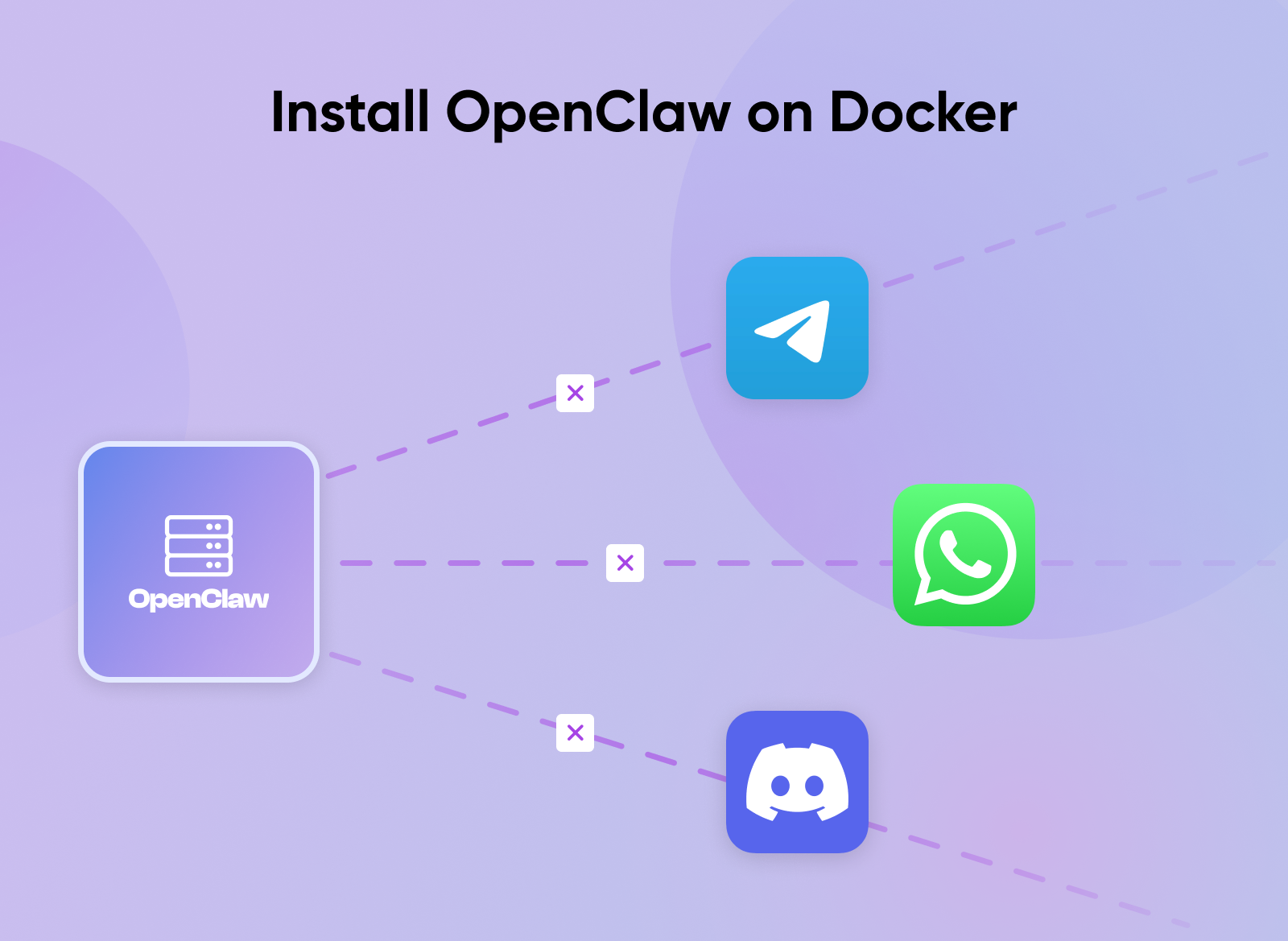
Updates are so simple as working the command docker compose pull && docker compose up -d, and rollbacks are immediate.
How Do You Confirm the Set up Labored?
Run openclaw physician; it checks your Node.js model, gateway standing, and API key configuration in a single cross:
Run these three checks to verify all the things is ready up accurately:
openclaw --version— Confirms OpenClaw is put in and accessible out of your terminal.openclaw physician— Validates your setting, dependencies, and API key configuration in a single cross.openclaw gateway standing— Checks that the gateway course of is actively working.
If all three return with out errors, you’re good to go.
How Do You Safe OpenClaw on a VPS?
You possibly can safe your set up by following a number of easy steps, together with establishing your set up to solely settle for connections out of your native machine, working OpenClaw below a devoted person, and establishing your firewall correctly.
These three modifications block the vast majority of real-world assaults in opposition to OpenClaw situations, two of which have been extensively documented:
- OpenClaw’s default configuration exposes the gateway to the general public web: SecurityScorecard scanned greater than 40,000 uncovered OpenClaw situations and flagged 32% (about 14,000) as susceptible to distant code execution. Bitsight’s parallel analysis tracked 30,000+ uncovered situations in a separate window.
- Operating an AI agent on a public server with out hardening the gateway is like leaving your entrance door open: Essentially the most essential vulnerability up to now was ClawJacked (CVE-2026-28472), disclosed in February 2026. Any web site you go to might open a direct connection to your OpenClaw occasion and challenge instructions to your AI agent.
The repair was a one-line config change.
Patches for OpenClaw safety points usually ship inside hours, however you’re accountable for making use of them.
These are 5 hardening steps that can allow you to safe your OpenClaw set up, so as of precedence:
- Limit connections to your server solely: By default, OpenClaw accepts connections from any gadget on the web. Open your OpenClaw configuration file (~/.openclaw/openclaw.json) and alter the host worth from 0.0.0.0 to 127.0.0.1. That tells the gateway to solely settle for connections originating from the server itself, so no one on the skin can attain it straight. This single change would have prevented ClawJacked.
- Give OpenClaw its personal person account: In the event you’re working OpenClaw as the foundation administrator, a compromised agent has full management of your total server. Making a devoted person account means even a worst-case breach is proscribed to only that account’s permissions.
- Configure execution guardrails: Set instruments.exec.safety to “deny” and instruments.exec.ask to “at all times” in your configuration to make sure that any try and run native instructions requires your specific, guide intervention.
- Shut the port to outdoors site visitors: OpenClaw communicates on port 18789, and your firewall ought to block anybody on the web from reaching it. In the event you’re working Docker, normal firewall guidelines gained’t shield you. Docker bypasses them. As a substitute, set the port binding in your docker-compose.yml to 127.0.0.1:18789:18789 so Docker solely accepts native connections, matching what you probably did in step 1.
- Arrange a personal connection for distant entry: When you’ve locked the gateway to local-only connections, you’ll want a safe method to attain it from your individual laptop. Instruments like SSH, which join you on to your VPS from a terminal, or Tailscale create a personal tunnel with out opening the port to the general public.
- Defend your OpenClaw configuration listing (~.openclaw): Limit who can entry it, again it up, and by no means embody it in a public code repository.
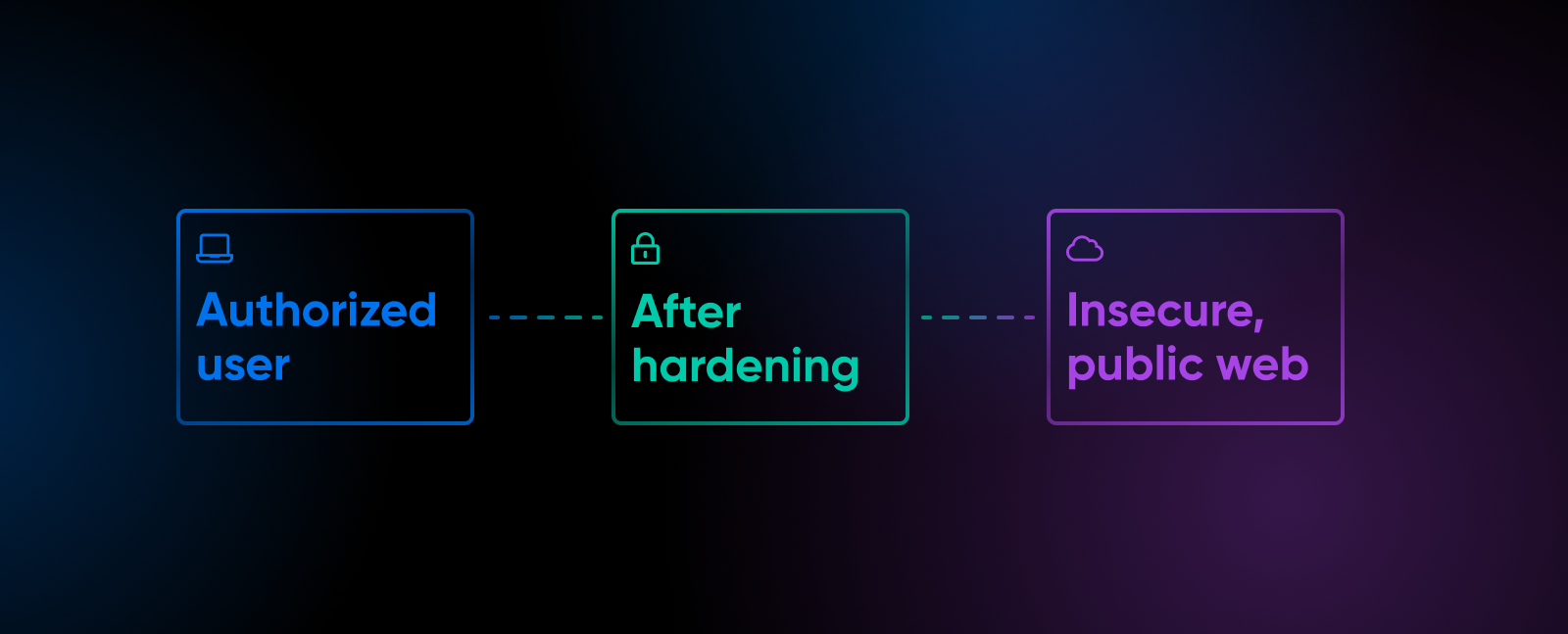
These steps are OpenClaw-specific, however they construct on common cloud safety greatest practices that apply to any VPS workload. For manufacturing deployments, add a reverse proxy with Nginx.
How Do You Join OpenClaw to WhatsApp or Telegram?
Begin with Telegram — it’s probably the most steady channel, requires zero inbound port configuration, and also you’ll have a working AI agent in your DMs inside 5 minutes.
How Do You Set Up Telegram With OpenClaw?
Telegram is the simplest integration as a result of it makes use of long-polling, that’s, the shopper asks the server for brand new messages at common intervals; fairly than webhooks, which implies it really works behind NAT and firewalls with no inbound ports required.
- Open Telegram and message @BotFather.
- Ship /newbot and observe the prompts to call your bot.
- Copy the API token BotFather offers you.
- In your VPS terminal, run ‘openclaw channel add telegram.’
- Restart the gateway: openclaw gateway restart.
- Ship your bot a message in Telegram, then approve the pairing request: openclaw pairing listing telegram to see it, openclaw pairing approve telegram
<code>to just accept. - After that, your agent will reply.
Your OpenClaw agent is now reachable by Telegram — 5 minutes, one API token, no inbound ports.
How Do You Join OpenClaw to WhatsApp?
WhatsApp makes use of a device-pairing method as an alternative of a standard API.
- Run openclaw channels login –channel WhatsApp to generate the QR code and hyperlink your account. This additionally triggers the set up stream if the plugin isn’t already current.
- A QR code seems in your terminal.
- In your cellphone, open WhatsApp > Settings > Linked Gadgets > Hyperlink a System, and scan the code.
- Your OpenClaw occasion registers as a linked gadget in your WhatsApp account. Credentials are saved to ~/.openclaw/credentials/whatsapp/.
Your VPS wants to remain working for the pairing to persist. If the OpenClaw course of restarts, you could must re-pair.
There are two issues to know earlier than you decide to WhatsApp:
- WhatsApp makes use of the Baileys library, an unofficial, community-built WhatsApp shopper, not an official Meta API: Whereas that works effectively at this time, Meta might block the strategy, and WhatsApp updates can often break compatibility.
- With out configuring an allowlist, anybody who has your linked cellphone quantity can ship instructions to your AI agent: Arrange the allowlist instantly after pairing to limit entry to particular cellphone numbers.
As soon as your allowlist is configured, WhatsApp works simply as reliably as Telegram for day-to-day use.
What Ought to You Do After Putting in OpenClaw?
Ship a message to your OpenClaw agent proper now. Ask it to summarize a URL, set a reminder, or listing the recordsdata in your workspace listing.
That’s the place to begin.
OpenClaw’s ability ecosystem has 44,000+ community-built expertise on ClawHub as of April 2026, masking all the things from calendar integration to code execution to net scraping. However ClawHub has a supply-chain drawback. Koi analysis recognized 341 malicious ClawHavoc expertise, and a subsequent Development Micro’s February 2026 ClawHavoc investigation surfaced 39 overlapping expertise carrying Atomic Stealer; Antiy CERT’s parallel depend pushed the overall previous 800, with a heavier focus in crypto-automation expertise.
Vet each ability prior to installing it. Keep on with standard, well-reviewed choices with energetic maintainers, and evaluation the ability’s supply code if it requests delicate permissions.
Past expertise, right here’s your post-installation guidelines:
- Configure your workspace listing: That is the place OpenClaw shops recordsdata, notes, and agent reminiscence. Maintain it organized; it grows quick.
- Arrange automated backups: Again up ‘~/.openclaw’ commonly. It incorporates your gateway token, API keys, agent configs, and dialog historical past. Dropping this listing means ranging from scratch.
- Allow auto-updates: OpenClaw ships updates ceaselessly, together with essential safety patches. Run openclaw replace to improve in place, run a well being test, and restart providers mechanically.
- Discover workflow automation: OpenClaw can run duties on a schedule by way of openclaw cron, which is the place a lot of the worth lives. The true win of a 24/7 agent is working your morning digest, checking a web site for modifications, or prepping a abstract whilst you’re asleep.
💡Professional tip: In the event you’re working Ollama alongside OpenClaw for native inference, DreamHost’s roundup of self-hosted AI fashions covers one of the best choices for working language fashions by yourself {hardware}.
The place To Go From Right here
Peter Steinberger left for OpenAI. The challenge stored rising anyway — 346,000 stars, 500,000 situations, a registry the place lots of of expertise have been caught stealing credentials.
That’s the deal you’re making whenever you self-host OpenClaw.
You get a robust, native agent that belongs to you… And also you get to be the one who locks the door.

Personal Your Complete Stack. Apps, AI, Databases, and Extra.
Maintain each credential and dialog on a server you management, with NVMe pace and unmetered bandwidth in-built.
Often Requested Questions
Is OpenClaw free?
Sure, OpenClaw is totally free and open supply below the MIT license. The software program prices nothing. Your solely bills are VPS internet hosting and AI mannequin API tokens, which generally add as much as $11-$35/month for private use.
DreamHost’s Self-Managed VPS plans present the foundation entry and sources it’s worthwhile to run it.
Can OpenClaw run on a $5/month VPS?
Technically, sure, however you most likely gained’t take pleasure in it. The official minimal is 2GB RAM, and 1GB machines persistently crash with out-of-memory errors throughout set up. A 2GB VPS can deal with a single-channel private setup, however 4GB offers you headroom for a number of channels with out the hiccups.
DreamHost’s Self-Managed VPS Stack 4 hits that 4GB candy spot.
Is OpenClaw protected to run on a server?
Secure when configured accurately, dangerous when left at defaults. The only most necessary step is binding the gateway to 127.0.0.1 (localhost solely) and utilizing SSH tunnels or a VPN for distant entry.
The ClawJacked vulnerability (CVE-2026-28472, CVSS 8.8) confirmed what occurs when situations are left uncovered. Patched in below 24 hours, however provided that you’d up to date.
How is OpenClaw completely different from ChatGPT?
ChatGPT is a chatbot you open in a browser. OpenClaw is a self-hosted AI agent that runs 24/7 in your server, connects to WhatsApp, Telegram, Discord, and different messaging platforms, and might act autonomously — executing duties, responding to messages, and working workflows whilst you sleep.
ChatGPT Professional prices $200/month for a browser-only expertise. A self-hosted OpenClaw setup prices $11-35/month and offers you one thing no ChatGPT plan presents: an always-on agent throughout all of your messaging apps.
Do I must know Linux to put in OpenClaw?
Primary terminal consolation is sufficient. In the event you can SSH right into a server and copy-paste instructions, you’ll be able to set up OpenClaw. The scripted installer handles the heavy lifting, and the onboarding wizard walks you thru API key configuration step-by-step.
The safety hardening steps do require understanding what firewall guidelines and port bindings do, however nothing right here requires sysadmin-level experience.
What AI fashions work with OpenClaw?
All the key suppliers work with OpenClaw: Anthropic (Claude), OpenAI (GPT-4o, GPT-4o-mini), Google (Gemini), and native fashions by way of Ollama. You possibly can change fashions anytime or route completely different duties to completely different fashions to optimize value.
The put up How To Self-Host OpenClaw on a VPS appeared first on DreamHost Weblog.