Improper particulars on a LinkedIn firm web page could make a robust model look sloppy. A foul web site, an previous emblem, or a replica web page can confuse prospects earlier than they ever click on by means of to your web site.
That issues for status administration, on-line status administration, and any staff that relies on a clear first impression. The repair is commonly easy, however provided that you recognize what you’ll be able to change your self and what wants LinkedIn help.
Begin with the proper admin entry
LinkedIn’s modifying instruments reside contained in the Web page admin view, and the broadest management normally sits with a Tremendous Admin. LinkedIn’s web page modifying assist is the very best place to substantiate which fields belong in Web page information and which of them reside underneath Header.
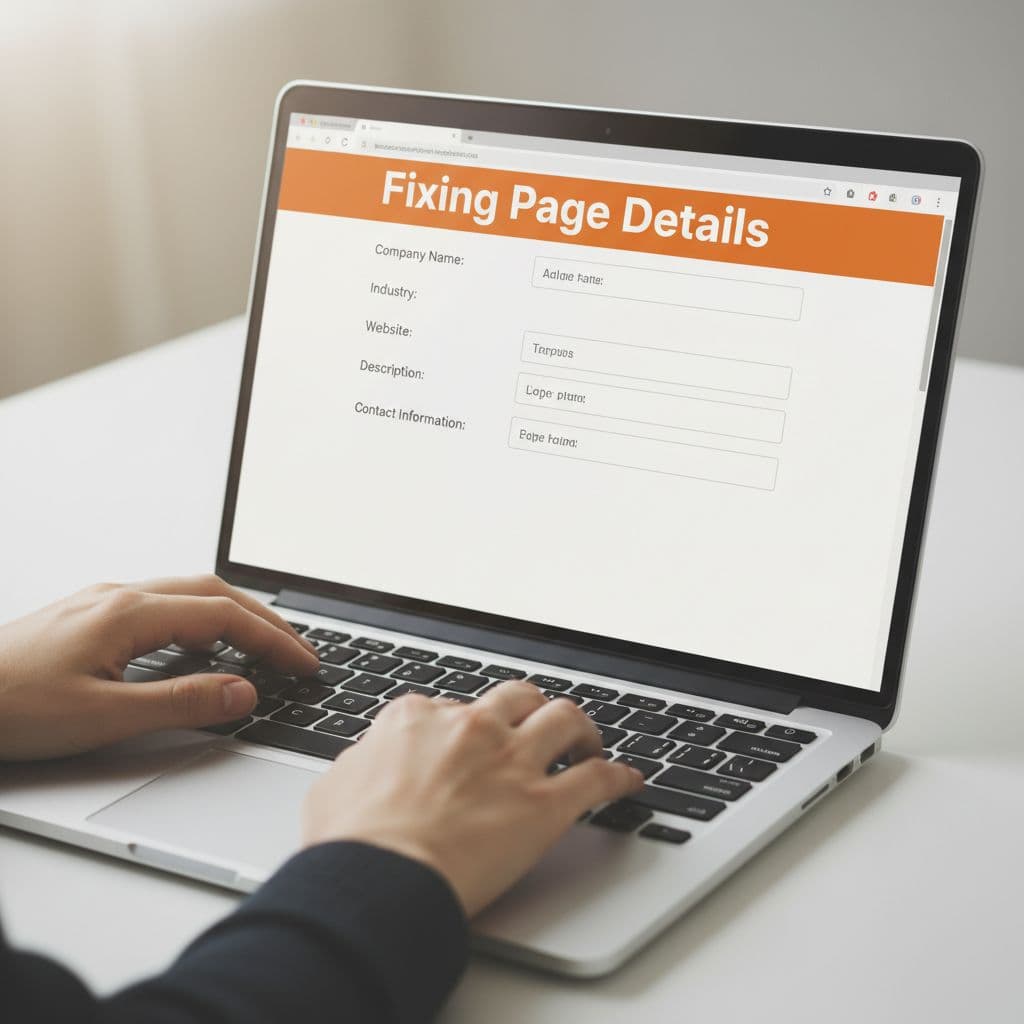
- Open the proper firm web page.
- Change to Tremendous admin view.
- Click on Edit web page.
- Replace the sphere in the proper tab, then save.
- Refresh the web page in one other browser or non-public window.
That fast examine solves extra LinkedIn firm web page errors than most groups count on. If the sphere is editable, repair it there first.
If a subject is editable, change it as soon as and confirm it twice. Whether it is locked, cease guessing and transfer to help.
Repair the fields LinkedIn permits you to edit
Use the proper subject for the proper downside. Some corrections belong in Web page information, whereas others reside in Header or on worker profiles.
| Drawback | Normally fastened by | When to escalate |
|---|---|---|
| Improper firm identify | Replace Web page information in admin view | LinkedIn blocks the change or it reverts |
| Improper web site or business | Edit Web page information and save | The sphere is locked or the replace doesn’t publish |
| Previous emblem or cowl picture | Change the picture in Header | The brand new asset uploads however the previous one retains displaying |
| Worker affiliation points | Ask employees to hyperlink the proper web page | Staff are tied to the improper web page or an previous duplicate |
| Duplicate or unclaimed web page | Declare the web page, then request assist | You can not entry the web page or each pages keep lively |
The commonest errors are the best to repair. Improper identify, web site, business, firm dimension, and yr based normally sit in Web page information. LinkedIn’s Full your LinkedIn Web page information additionally reveals why a fuller web page tends to carry out higher in search and on the platform.
Brand issues belong in Header. Add a clear sq. emblem, use a pointy cowl picture, and hold the file easy. If the picture nonetheless seems to be improper after saving, examine once more on cell and in a non-public browser window.
Worker affiliation wants a distinct method. Ask present employees so as to add the proper firm of their expertise part. If workers are hooked up to the improper web page, prospects might land on the improper profile first, which weakens belief.
Deal with duplicate pages and unclaimed pages the proper manner
Duplicate pages are frequent after rebrands, mergers, company handoffs, or rushed web page creation. Decide the web page that ought to survive based mostly on followers, submit historical past, and admin entry. Then determine whether or not the additional web page wants elimination, a merge request, or a help ticket.
Unclaimed pages could be extra cussed. If nobody in your staff has entry, declare the web page earlier than you attempt to edit it. If LinkedIn nonetheless won’t hand over management, collect proof of possession, resembling your web site area, matching enterprise data, and screenshots of the web page.
That is the place many groups that deal with status administration cease making an attempt to repair every part contained in the editor. A status administration firm or a Status Restore Firm might have screenshots, previous URLs, and a change log. That can be a part of on-line status administration and on-line status restore when the identical unhealthy knowledge seems throughout LinkedIn and different listings. Some on-line status administration firms bundle this work as Status Restore Companies. An On-line Status Skilled is aware of when to escalate as a substitute of ready on one other refresh.
In case your staff wants assist with a cussed web page concern, contact our help staff and kind the following step earlier than the error retains circulating.
When edits don’t present reside
A saved edit and a reside edit will not be at all times the identical factor. Typically LinkedIn takes time to replicate the change. Typically one other admin reverses it. And typically the web page proven to the general public is cached.
Use this fast examine when the replace seems to be proper in admin view however improper in all places else:
- Reopen the web page in an incognito window.
- Verify the web page on cell and desktop.
- Affirm one other admin didn’t overwrite the change.
- Assessment the sphere you modified and evaluate it with the general public web page.
- If it nonetheless seems to be improper, ship LinkedIn help the web page URL, screenshots, and the precise edit you made.
If the problem is a reputation change, a replica web page, or a web page you can not declare, help is normally the proper path. If the problem is a traditional subject that by no means seems publicly, the issue is commonly cache, permissions, or a hidden approval step.
Conclusion
Improper LinkedIn firm knowledge is normally a fixable admin downside. The hot button is figuring out when to replace Web page information, when to interchange property in Header, and when LinkedIn help has to step in.
When the identical error retains coming again, deal with it like a file concern, not a one-off typo. That mindset helps with status administration as a result of one unhealthy subject can unfold belief issues throughout social, search, and listing listings.
If the web page downside is a part of an even bigger cleanup, contact our help staff and kind the following step earlier than the error retains circulating.